Branded IPTV app for Fire TV and Android TV
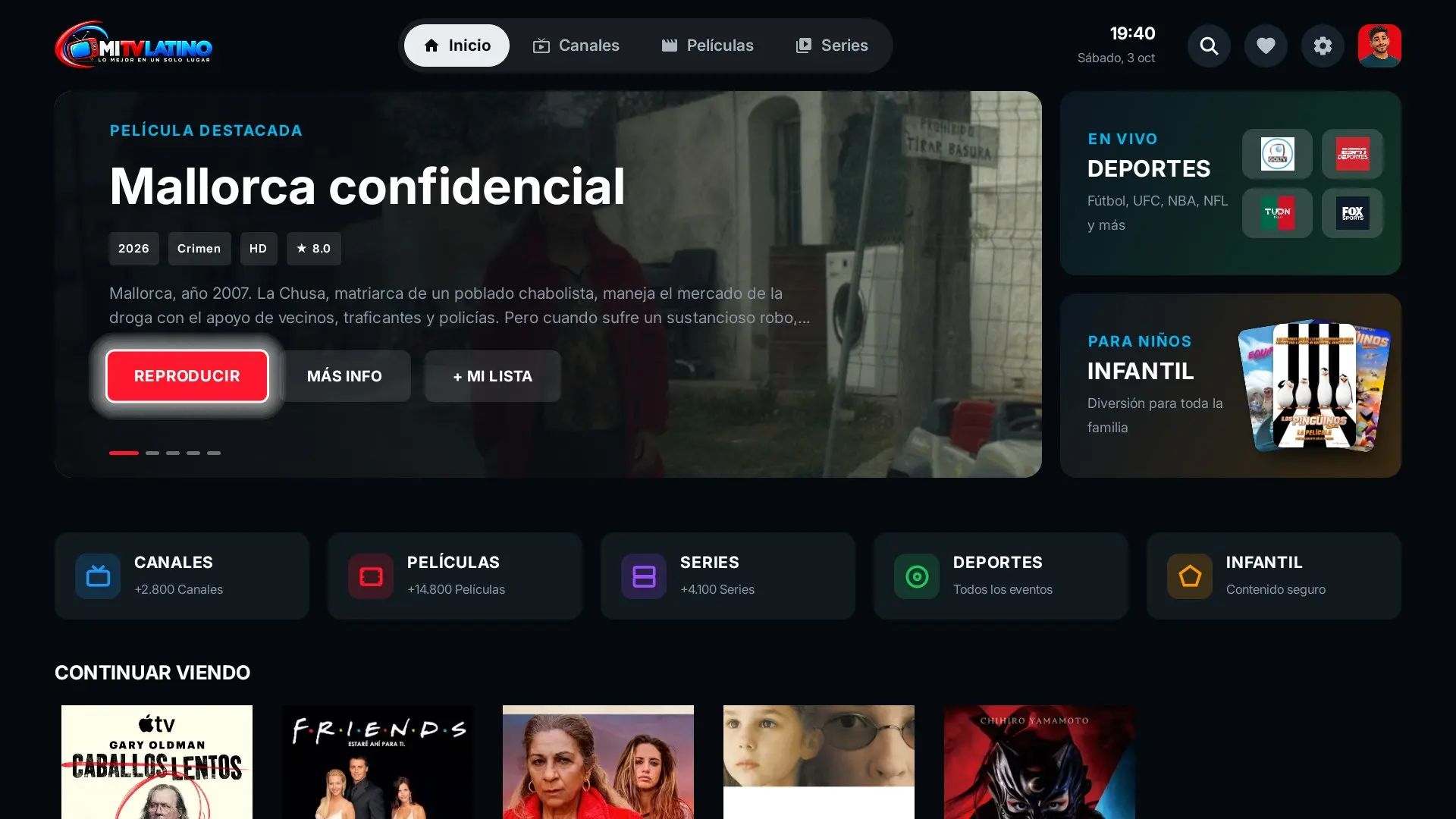
Most of your customers watch your service on the TV. That is why the app is built for the remote first: Fire TV Stick, Android TV, Google TV, Chromecast and TV Box, with your name and logo.
Updated October 2026 · WBGS Smarters
We only sell the app. We do not sell or include channels, movies or series: the app connects to your server and shows your content.
Supported devices
It runs on devices with Android 7 or later. It is one app that adapts by itself: on the TV it works with the remote, on the phone with touch.
- Amazon Fire TV Stick, Fire TV Stick 4K and Fire TV Cube with Fire OS
- Android TV and Google TV televisions
- Chromecast with Google TV
- Android TV Box
- Android phones and tablets
Built for the remote
- Large menus you move through with the arrow keys
- Program guide with what is on now and what is next
- Channel switching without a black screen, channel number and last channel
- Favorites and My List from the remote
- Screensaver when nobody is using it
- Your own banner in the Android TV menu
No typing: QR login
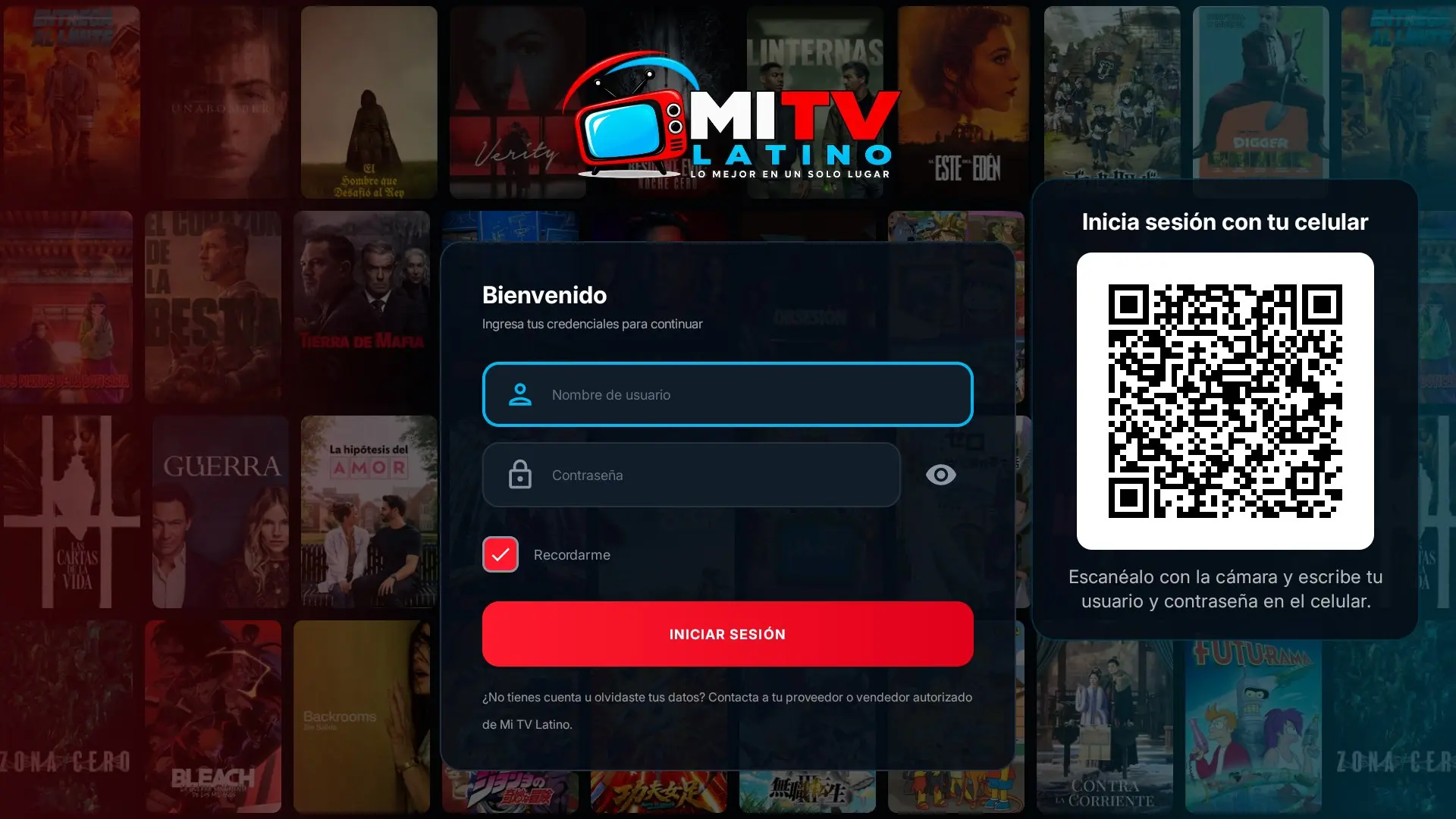
Typing a username and password with the remote is what generates the most support messages. In the app, the TV shows a QR code: your customer scans it with their phone, types their details there and the TV signs in by itself. The connection is end-to-end encrypted.
How your customers install it
The app is not published on the Play Store or the Amazon store: it installs from your own branded download page.
- 1 On Fire TV They install the Downloader app from the Amazon store, allow apps from unknown sources and type the address of your download page.
- 2 On Android TV and TV Box They open your download page in the browser or with Downloader and accept the install.
- 3 On phones and tablets They open your page link, download the app and install it.
- 4 Updates When there is a new version, the app announces it and updates from your page, without uninstalling.
What we brand
- App name and icon
- Android TV banner
- Logo and colors
- Sign-in screen
- Your main and backup servers
Your branded IPTV app, from $499
One-time payment, with the first year of support and updates included. Mi TV Latino resellers: special discount.
Frequently asked questions
Does it work on every Fire TV?
It works on Fire TV devices with Fire OS, which is based on Android and runs on most models. Newer models with Vega OS do not install Android apps from outside the Amazon store, so they are not supported.
Do I have to publish the app on the Play Store or Amazon?
No. Your customers install it from your own download page, and updates come from there.
Does the app include channels?
No. We only sell the app. It connects to your Xtream server and shows your content.